
Photo 2026 05 06 20 08 50
Photo 2026 05 06 20 13 05

Access Bob Casino on mobile in Canada without waiting for app store approvals.

iOS and Android

Bob Casino Download APK and iOS App

Getting on Mobile Without an App Store

At Bob Casino we run everything through a mobile-optimized website, and for most Canadian players this is a highly efficient way to get started without app store delays. No digging through an app store, no waiting around for approvals, and you do not have to give your phone extra storage permissions.

You just open the browser on your phone, type in bobcasino.com, and the site reshapes itself to fit your screen. It works the same way on most modern smartphones and tablets.

This approach is how a lot of licensed casinos handle mobile access now: instead of a store listing, you get what is basically a progressive web application (PWA) that runs directly in your browser. In practice the result looks and feels very close to a regular app - a responsive layout, access to the full game lineup, and your account data staying synced between sessions.

If you were hunting for a Bob Casino download apk/ios file somewhere on the internet, our official domain is the right place to begin. Everything runs from there.

It is important to keep in mind that third-party APK mirror sites exist on the internet. We do not support them and we have no way to check what is actually packed inside those files.

How to Install on iOS

On iPhone or iPad, Bob Casino can live on your home screen as an icon, almost like a native app. The shortcut uses Safari and usually takes less than a minute to set up.

  1. Open Safari and go to bobcasino.com.
  2. Tap the Share icon at the bottom of the screen.
  3. In the share sheet, scroll a little and tap Add to Home Screen.
  4. Adjust the name if you like, then tap Add.
  5. The Bob Casino icon lands on your home screen.
  6. Tap the icon to open our mobile site with no address bar on top.
  7. From there you can log in or create a new account.

On Apple devices this needs to be done through Safari. That is the browser that properly supports the Add to Home Screen function and turns it into a clean full-screen shortcut. Other browsers on iOS sometimes lack this option or handle it differently.

Once added, the mobile version on iOS loads the same game catalog that you see on desktop. Slots, live dealer tables, and classic table games are all available from the mobile lobby with no extra apps and no workarounds.

How to Install on Android

On Android, the process is similar, just using Chrome instead of Safari. There is no need to download or install any APK file.

  1. Open Chrome on your Android device and go to bobcasino.com.
  2. Tap the three-dot menu in the top-right corner.
  3. Choose Add to Home screen in the menu.
  4. Confirm the shortcut name and tap Add.
  5. Depending on your Android version, Chrome will either place the icon automatically or let you drag it where you want.
  6. Tap the new Bob Casino shortcut, sign in or set up a new account.

Quite often Chrome will also display a small install banner at the bottom of the screen when you visit our site for the first time. If you see that banner, you can tap it and skip straight to the same result with fewer steps.

Below is a quick recap of how access works across devices:

DeviceBrowserInstall Method
iPhone / iPadSafariShare - Add to Home Screen
Android phone / tabletChromeMenu - Add to Home Screen
DesktopAny browserDirect URL, no install needed

A small practical reminder that affects any browser shortcut, not just ours: keeping your browser on the latest version usually prevents layout glitches and loading issues. Older versions can sometimes struggle with newer casino interfaces and scripts.

What Is Inside the Mobile Interface

After the shortcut is in place and you log in, the overall layout will be very close to what you see on desktop. We keep the structure familiar so Canadian players can move through the main areas without having to relearn anything.

The lobby is your starting point - a grid of games that can be filtered by category or by provider. Most of the space goes to slots: classic three-reel formats, modern video slots, and jackpot titles. Table games cover staples like blackjack, roulette, baccarat, along with some poker-style games.

Live Casino streams real dealers and real tables right to your screen in real time. You open a table, the video loads, and you play from the same balance as everywhere else on the site.

Promotions has all current offers in one place: welcome deals for new accounts, reload bonuses, and free spin campaigns that are active for returning players. Account Settings is where you manage personal data, change your password, and review your session history.

The Cashier stays fully active on mobile too. Deposits and withdrawals can be handled directly from your phone or tablet the same way as on a laptop or desktop browser. You do not have to switch devices just to move funds.

Any limits or preferences you set on desktop - such as session settings - carry over to mobile automatically. Your profile is single and unified, regardless of how you come in.
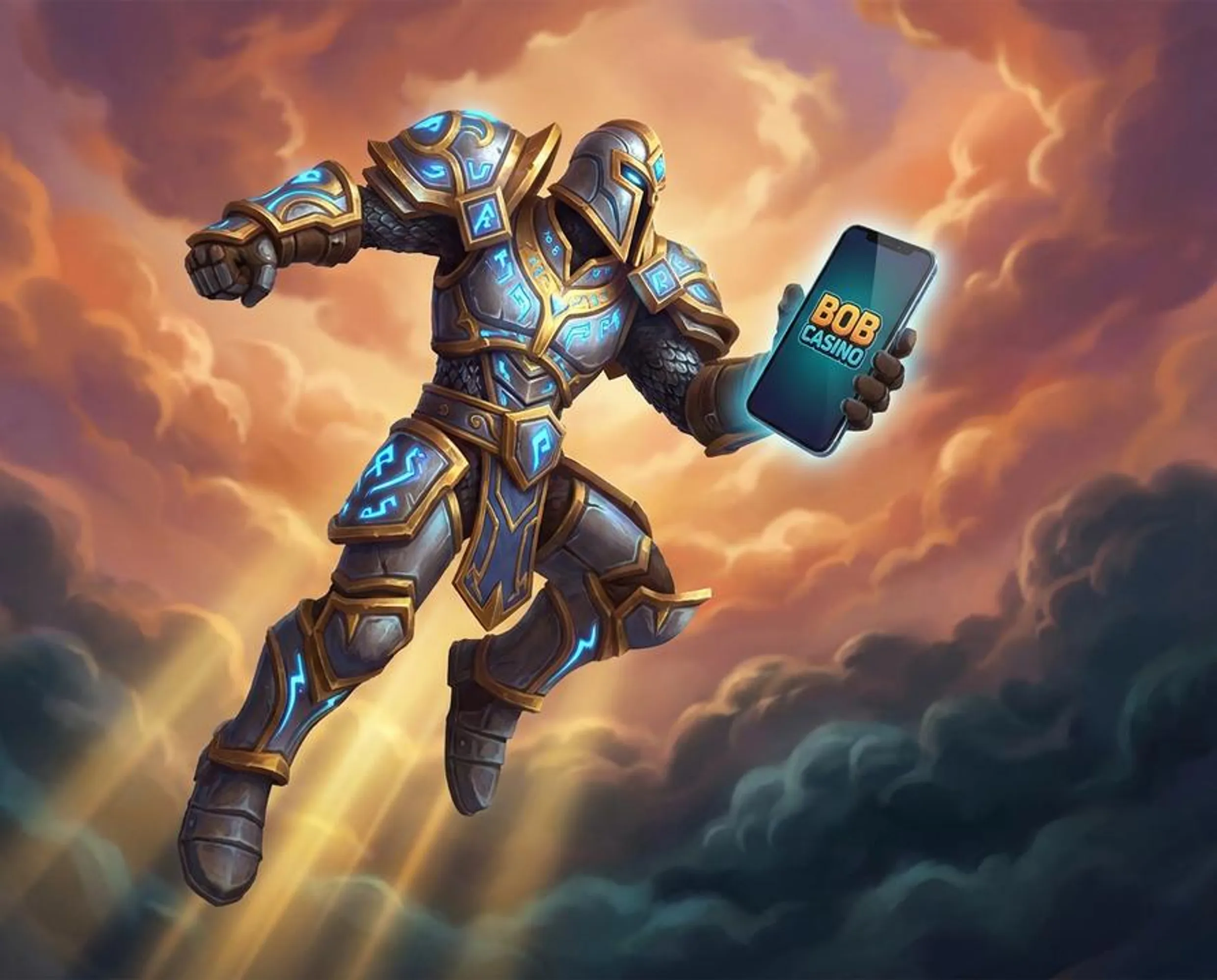
Mobile Access at Bob Casino

Bob Casino runs on a mobile-optimized website, so Canadian players can reach the full game lobby directly from a phone browser without installing anything from an app store.

  • Open Safari or Chrome, go to bobcasino.com, and the site adjusts to your screen automatically.
  • On iOS, you can add a home screen shortcut via the Safari Share button, giving you an icon that opens the site in one tap.
  • On Android, the same result is available through the browser menu using the Add to Home Screen option. This browser-based approach means no extra storage permissions and no waiting for app review cycles. Bob Casino was established in 2017 (subject to verification in the MGA public register) and holds a Malta Gaming Authority (MGA) license for online gambling services, so the platform behind the mobile site is a regulated operator rather than an unofficial mirror. If you come across third-party APK files for Bob Casino on sites like Uptodown or similar mirrors, treat them with caution - the operator does not endorse those files and their contents cannot be verified.
Picub9jx

Setting Up an Account

To use your Bob Casino download apk/ios style shortcut for real money play, you will first need a registered account with us. The sign-up itself always happens directly on bobcasino.com, either from a desktop or right from your phone browser.

  1. Open bobcasino.com in the browser on your device.
  2. Tap the registration button that appears on the homepage.
  3. Enter a valid email address and create a password.
  4. In the country dropdown, select Canada.
  5. Fill in the rest of the required personal information fields.
  6. Read and accept the terms and conditions.
  7. Submit the form and then check your inbox for our confirmation email.
  8. Click the confirmation link in that email to activate your account.

Once your profile is confirmed, the shortcut you installed earlier becomes the fast lane. You tap the icon, log in, and your balance, bonus status and any progress are the same on phone, tablet or desktop.

For clarity, the process looks like this:

StepActionWhere
1Open official siteMobile browser
2Tap RegisterHomepage
3Enter email and passwordRegistration form
4Select CanadaCountry field
5Confirm emailEmail inbox
6Log inLogin screen

Bonuses on Mobile

If you access Bob Casino from a mobile device in Canada, you still see the same offer set we show to desktop users. New players can view the welcome bonus, and returning players can check reload deals and free spin events from the Promotions section in the mobile menu.

It is important to remember that bonus conditions apply to your account as a whole, not to a specific phone or tablet. Wagering requirements, lists of eligible games, and expiry dates will be the same whether you play on iOS, Android, or a desktop browser.

Before you opt in, you should read the full bonus terms so you know how they work in your case.

Free spins that are credited to your account are available on compatible slots directly from the mobile lobby. There is no need to switch to a desktop to use them - they simply attach to your account and appear when you launch the right game.

Why Unofficial APK Files Are Worth Avoiding

APK files that come from third-party directories can include modified code, outdated versions of the casino app, or other elements that we do not control or even see. It is safer and more predictable to use the browser-based shortcut method described above, which gives you a similar experience without downloading random files.

You do not have to enable unknown sources on your device, grant install permissions, or manually update anything. Whenever you load bobcasino.com, you are automatically on the current version of our platform.

There is one more thing that is worth double-checking. Some unrelated sites attempt to use names or branding that look close to ours. Before you type in your login details or card information, check the address bar carefully and confirm that the URL is exactly bobcasino.com. This is the only domain we operate.

Performance and Troubleshooting

Our mobile platform is designed around current versions of iOS and Android. Actual performance still depends on your specific device, browser version, and the quality of your internet connection.

Live dealer games are more sensitive to connection stability. They stream real-time video, so a weak or unstable signal can cause buffering or disconnects. Using a solid Wi-Fi network or a reliable LTE connection usually improves the experience.

For a smooth mobile experience, make sure your browser is updated to the latest version and use a stable internet connection for live gaming.

If a game or page is not loading correctly, the first thing to try is clearing your browser cache and then reloading the site. This simple step resolves a large part of display issues.

When that does not help, our support team is available through live chat and email around the clock. Both contact options can be reached from the Help section inside the mobile interface.

Typical issues and first steps look like this:

IssueFirst StepSecond Step
Game not loadingClear browser cacheContact live chat
Login not workingReset password via emailContact support
Shortcut not appearingCheck browser share menuUse direct URL instead
Slow performanceSwitch to Wi-FiUpdate browser version

FAQ

  • Is there an official Bob Casino app available for download in Canada?

    Bob Casino does not have a native app listed on the Apple App Store or Google Play. Canadian players access the casino through a mobile-optimized website at bobcasino.com, which works directly in your phone’s browser without any download required.

  • How do I add Bob Casino to my iPhone home screen?

    Open Safari and go to bobcasino.com, then tap the Share icon at the bottom of the screen and select ‘Add to Home Screen’ from the share sheet. This creates a shortcut icon on your home screen that opens the casino site quickly, similar to a regular app.

  • Is it safe to download a Bob Casino APK from a third-party site?

    Downloading APK files from third-party mirror sites carries real risks, as those files are not verified by Bob Casino and may contain modified or harmful code. The only recommended way to access Bob Casino on Android is through your browser at the official bobcasino.com domain.

  • Does the Bob Casino mobile site work on Android phones in Canada?

    Yes, the Bob Casino website is mobile-optimized and works on Android devices through any modern browser such as Chrome. You can access the full game lobby, cashier, and support without installing anything.

  • Will I have access to all games and my account when playing Bob Casino on mobile?

    Yes, the mobile version of Bob Casino gives you access to the same game lobby, account balance, bonuses, and customer support as the desktop site. Your account data stays synced across sessions whether you play on a phone, tablet, or computer.