
Accessing Your Account in the Browser
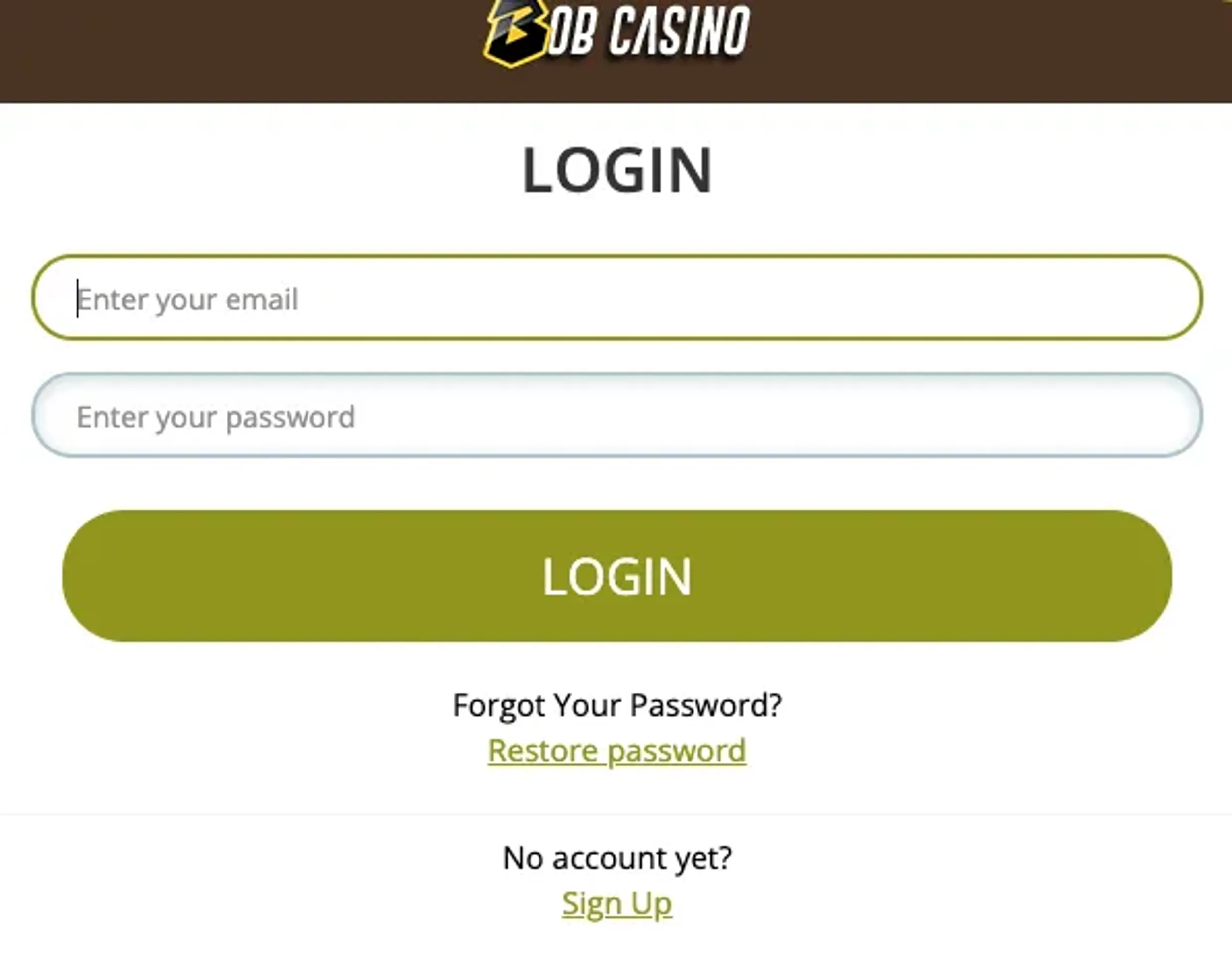
Our web login works directly in your browser, with no download needed. Click the sign-in button in the top right corner of our homepage, type in your email or username plus password, and confirm. That is usually all you need. Registration requires an email address, password (minimum 8 characters), country selection, currency choice, and confirmation that you are at least 18 years old.
You will see a “Remember Me” checkbox under the password field. Tick it only on trusted personal devices; this lets the browser keep your login data, so you don’t need to type it every time.
We support current versions of Chrome, Safari, Firefox and Edge. You can stay logged in on more than one device at the same time, although behavior patterns are still tracked for security reasons. Sessions remain active until you log out or the system times out after a longer idle period.
| Login Element | What It Does | Where to Find It |
|---|---|---|
| Sign-In Button | Opens login form | Top right corner |
| Email/Username Field | Your account ID | Authorization form |
| Password Field | Security credential | Authorization form |
| Remember Me Box | Saves login info for trusted personal devices | Below password |
Recovering Lost Credentials
If you cannot remember your password, use the “Forgot Password” link on the login form. After you enter the registered email address, we send a reset message there. It normally arrives within 2–5 minutes, though your email provider’s speed may affect this.
The reset email contains a secure link that takes you to a password change page. Set a new password there and confirm it. As soon as the change is saved, the previous password stops working.
Recovering a forgotten username goes through our live chat. For this one we always confirm account ownership first. Support is available 24/7 and may ask several security questions or verify personal data before sharing username details.
Security Features We Use
All login traffic is protected with SSL/TLS encryption. In a supported browser, you should see the padlock icon near the URL and ‘https’ in the address bar while using our site.
Two-factor authentication is optional, but it adds an extra layer of protection to your account. Once you switch it on in your profile, sign-in will require both your password and a short-lived code. During setup, you choose whether codes come from an authenticator app or as SMS to your registered phone number.
We keep an eye on logins from unfamiliar devices or unusual IP addresses. If something looks different from your normal pattern, we send an email about access from a new location. For players in Canada, there are no geographic blocks within the country.
Our main login security measures include:
- Automatic logout after roughly 30 minutes of inactivity, if this timeout remains active
- Device fingerprinting to recognize hardware you use often
- Limits on repeated login attempts to slow brute force attacks
- Email notifications when passwords get changed
- IP logging for later security review if needed
Using Bob Casino on Mobile Browsers
You can sign in through mobile browsers too, no separate app download required. Our platform is presented as a Progressive Web App, so pages adjust to smartphone and tablet screens while keeping core desktop functions available.
Your mobile login details are the same as those on desktop. Tap the menu icon or sign-in button, enter your email or username and password, and you land on your account dashboard. Buttons and menus are arranged for thumb use to reduce mis-taps on smaller screens.
Safari on iOS and Chrome on Android both let you add a Bob Casino shortcut directly to the home screen. Setting this up takes under a minute and gives you an icon that opens straight in the browser, very similar to a native app in everyday usage.
| Mobile Feature | iOS (Safari) | Android (Chrome) |
|---|---|---|
| Home Screen Setup | Add to Home Screen | Add to Home Screen |
| Login Persistence | Cookie-based storage | Cookie-based storage |
| Biometric Login | Face ID or Touch ID | Fingerprint-based support |
What You See After Logging In
Once you pass the Bob Casino online login, you arrive at your main dashboard. From there, you see your balance, currently active promotions, and shortcuts to key areas: cashier, game lobby, promotions, and account settings.
For accounts that have already passed verification, the cashier section opens right away for deposits and withdrawals. If your identity check is still pending, you will notice prompts that explain what documents to upload before real money transactions can be processed. Typically we require a government-issued photo ID confirming you are at least 18, plus proof of address such as a utility bill or bank statement.
The navigation pattern stays similar across the main pages. The account menu is located in the upper right, next to the logout option, and from there you reach personal data, transaction history, active and past bonuses, and contact preferences. You can also adjust password settings and responsible gaming limits in these areas.
The game lobby groups slots, table games and live casino titles together with filters. Search tools help you find individual games or browse by provider, game type, or popularity. A dedicated area shows your recent activity, making it easier to jump back into previously played games.